
Latest Version
Microsoft Corporation
iOS
Free
541164041
Report a Problem
More About Microsoft 365 Copilot
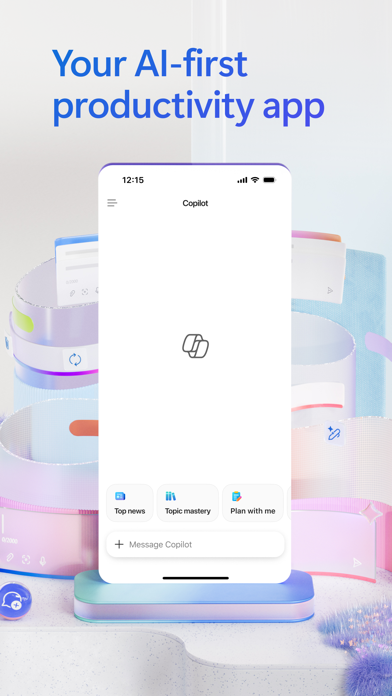
The Dawn of AI-First Workplace Efficiency
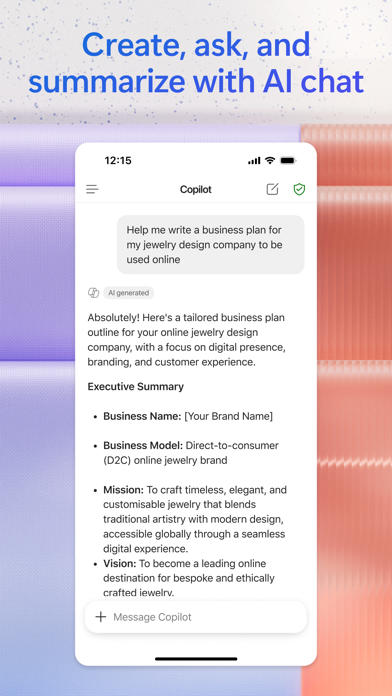
The Microsoft 365 Copilot productivity app represents a significant shift in how professionals interact with their digital workspaces. Developed by Microsoft Corporation, this iOS application serves as a centralized hub for intelligent assistance, allowing users to streamline complex workflows directly from their mobile devices. Rather than navigating multiple disparate tools, professionals can now leverage a singular, conversational interface to manage tasks, retrieve documents, and generate content on the fly.
Who Benefits Most from Microsoft 365 Copilot?
This platform is engineered specifically for corporate professionals, researchers, and project managers who require immediate access to their business data without being tethered to a desktop. If your daily routine involves parsing heavy spreadsheets, drafting extensive communications, or synthesizing research, the Microsoft 365 Copilot productivity app offers a highly sophisticated mobile solution to accelerate these processes.
Key Capabilities and Features
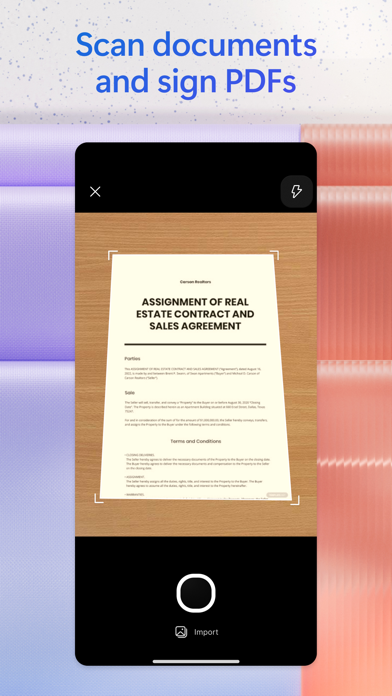
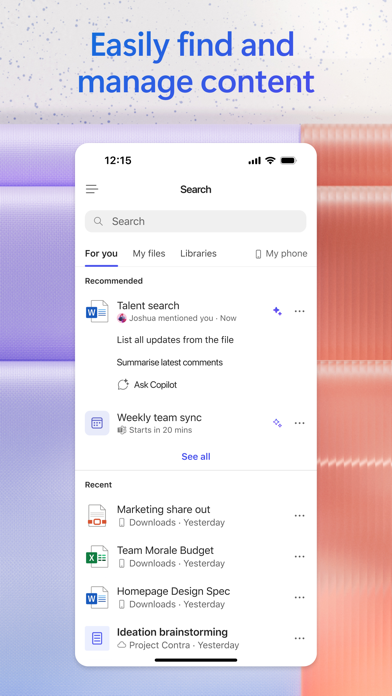
- Conversational Document Management: You can upload PDFs, Word documents, or Excel files from your phone's storage and ask the assistant to summarize the contents or extract key metrics.
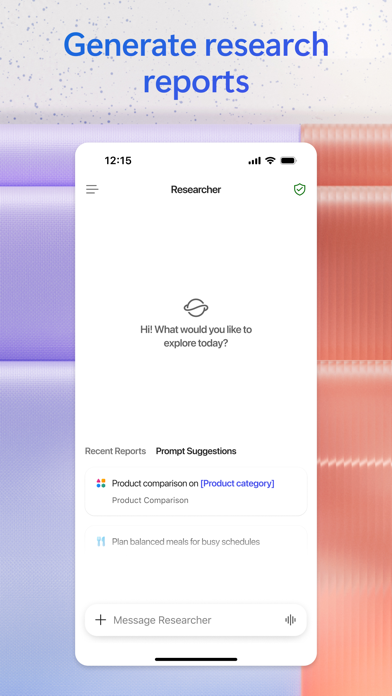
- Advanced Analytical Agents: Built-in specialized agents like Researcher and Analyst help synthesize complex data sets and generate structured reports.
- Voice-Activated Brainstorming: Hands-free voice integration allows you to prepare for meetings, ask questions, and brainstorm strategies while on the move.
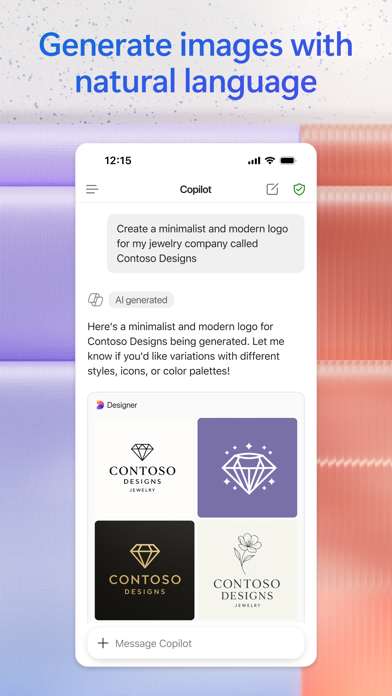
- Creative Asset Generation: Beyond text, the app provides access to customizable templates for designing banners, presentations, surveys, and other visual assets.
Consolidating Projects with Copilot Notebooks
For those managing multifaceted initiatives, the Notebooks feature acts as a collaborative anchor. By compiling thoughts, reference links, and files into one space, the Microsoft 365 Copilot productivity app can connect the dots across different assets, providing you with high-level summaries and action items instantly. It bridges the gap between raw data and actionable strategy.
Accessing the Platform
To experience this level of integrated mobile assistance, users can sign in using a personal, school, or corporate Microsoft account. To explore its full capabilities and integrate it into your daily workflow, visit the official App Store to download the application on your iOS device today.
Rate the App
User Reviews
Other Apps in This Category

Popular Apps










Editor's Choice