
Latest Version
IDrive Inc
IT Tools
Windows
Free
9phf0tdqfvhp
Report a Problem
More About RemotePC
An In-Depth Look at RemotePC Remote Desktop Access
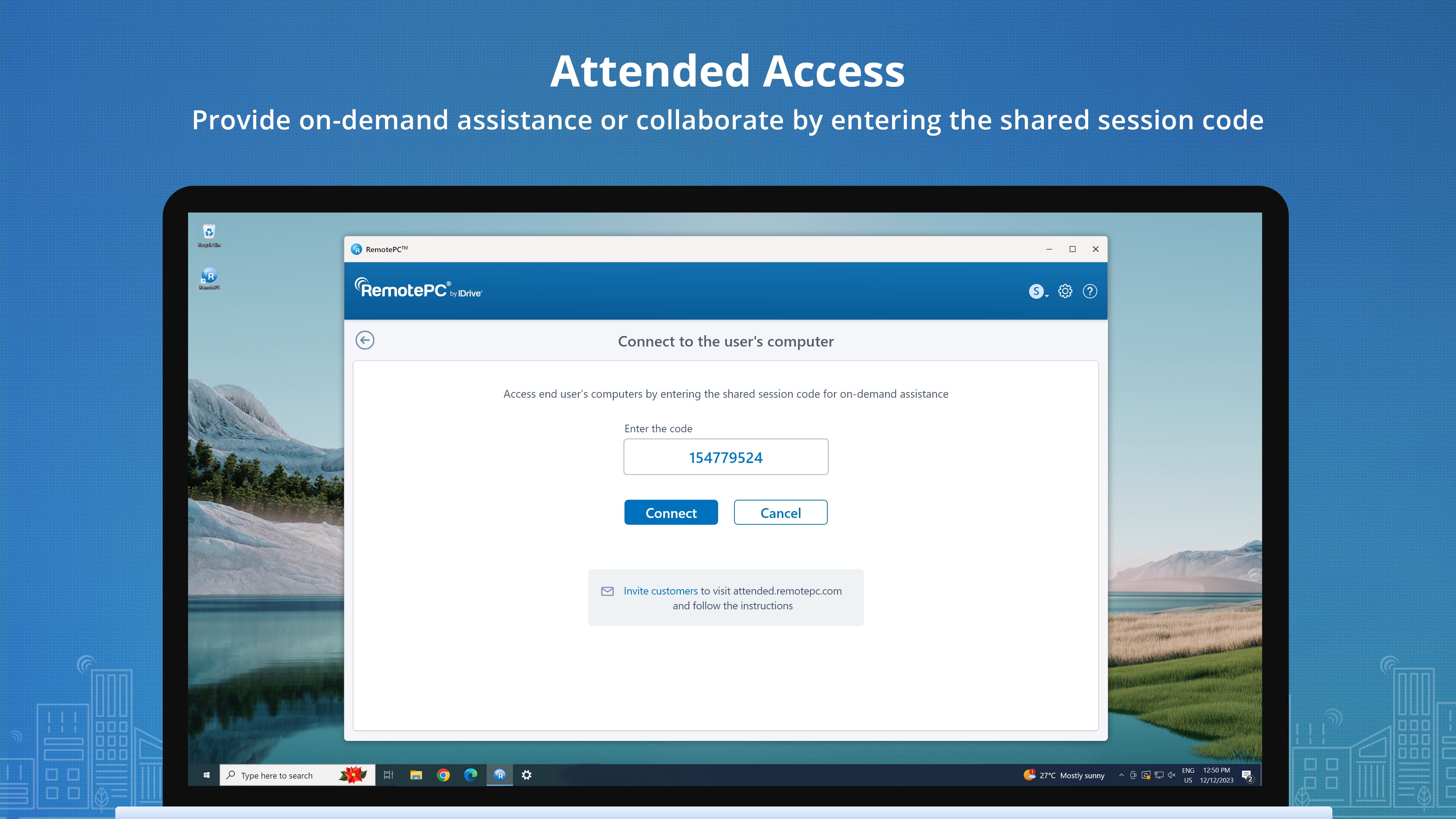
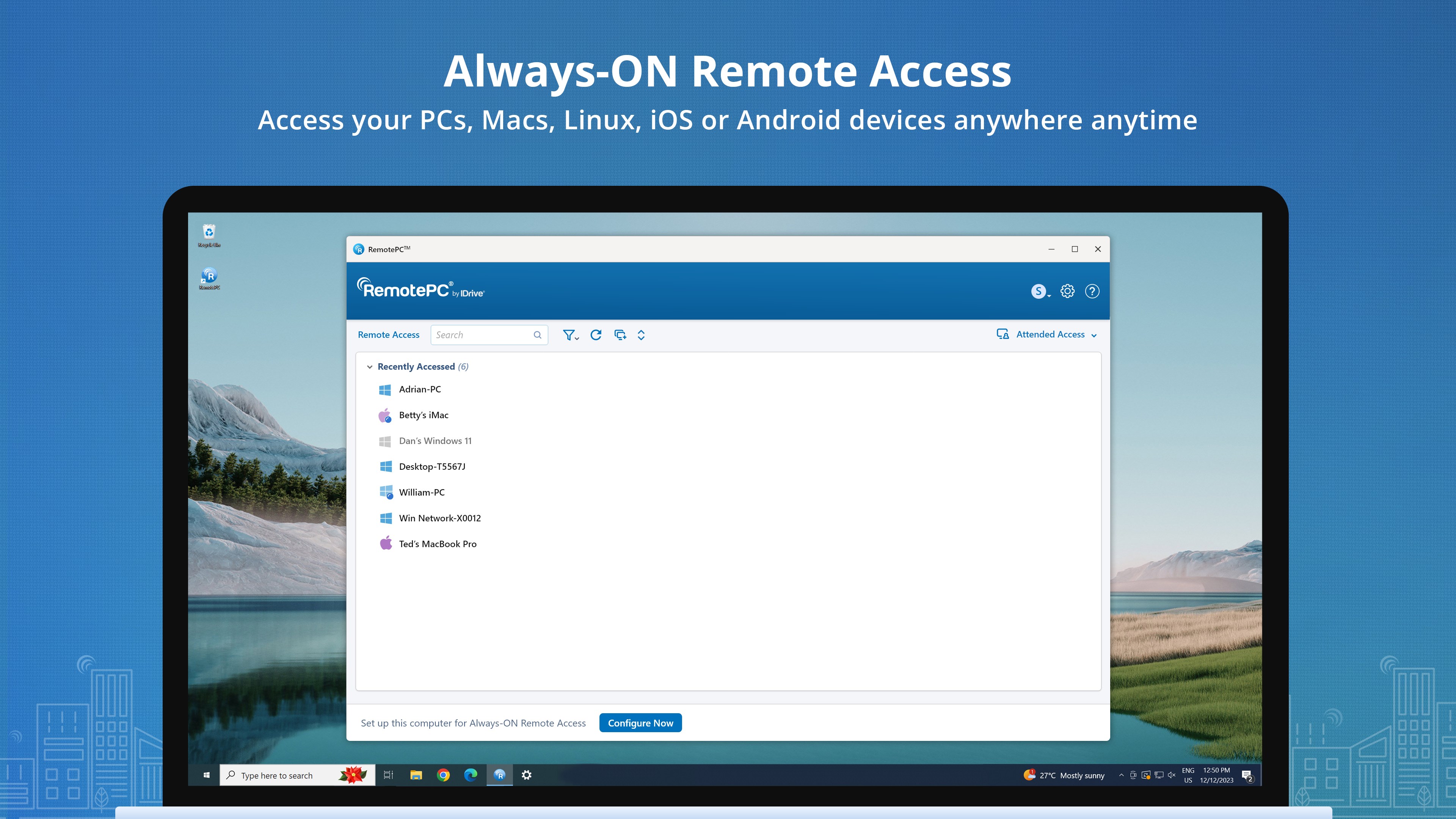
In today's flexible working landscape, having reliable RemotePC remote desktop access is essential for maintaining productivity from any location. Developed by IDrive Inc, this utility is designed to bridge the gap between your physical location and your primary workstation, allowing you to control your Windows PC securely from anywhere in the world.
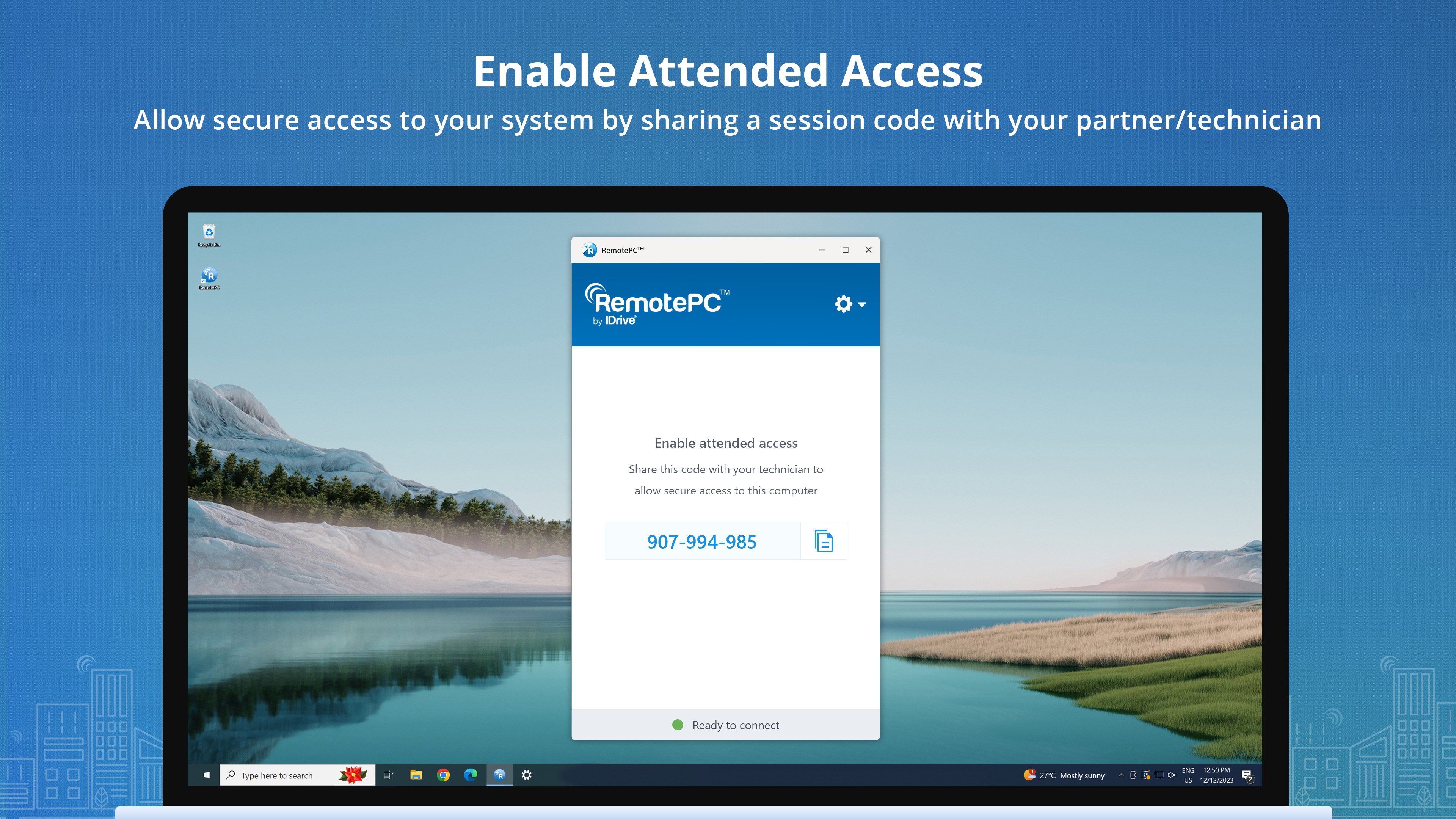
Whether you need to retrieve a forgotten file, assist a colleague, or manage systems remotely, this tool simplifies the process. Setting up your computers for remote management requires only a few straightforward steps, making it accessible even for users who are not tech-savvy.
Key Features for Seamless Remote Management
This software goes beyond basic screen sharing to provide a comprehensive suite of tools that enhance your remote working experience:
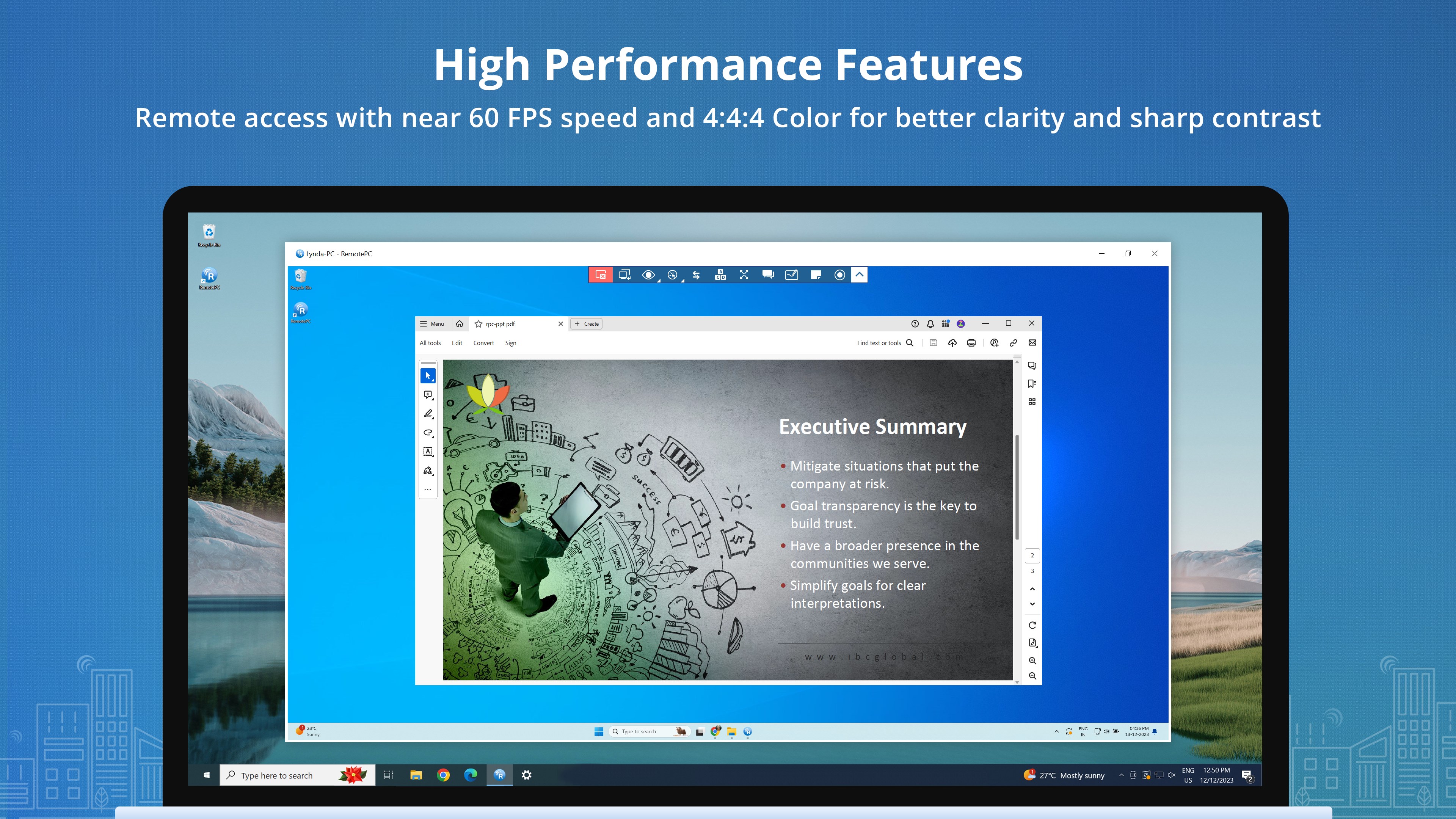
- High-Performance Streaming: Operating at approximately 60 FPS, the Performance Viewer delivers incredibly smooth visual feedback, making it one of the fastest remote access solutions available.
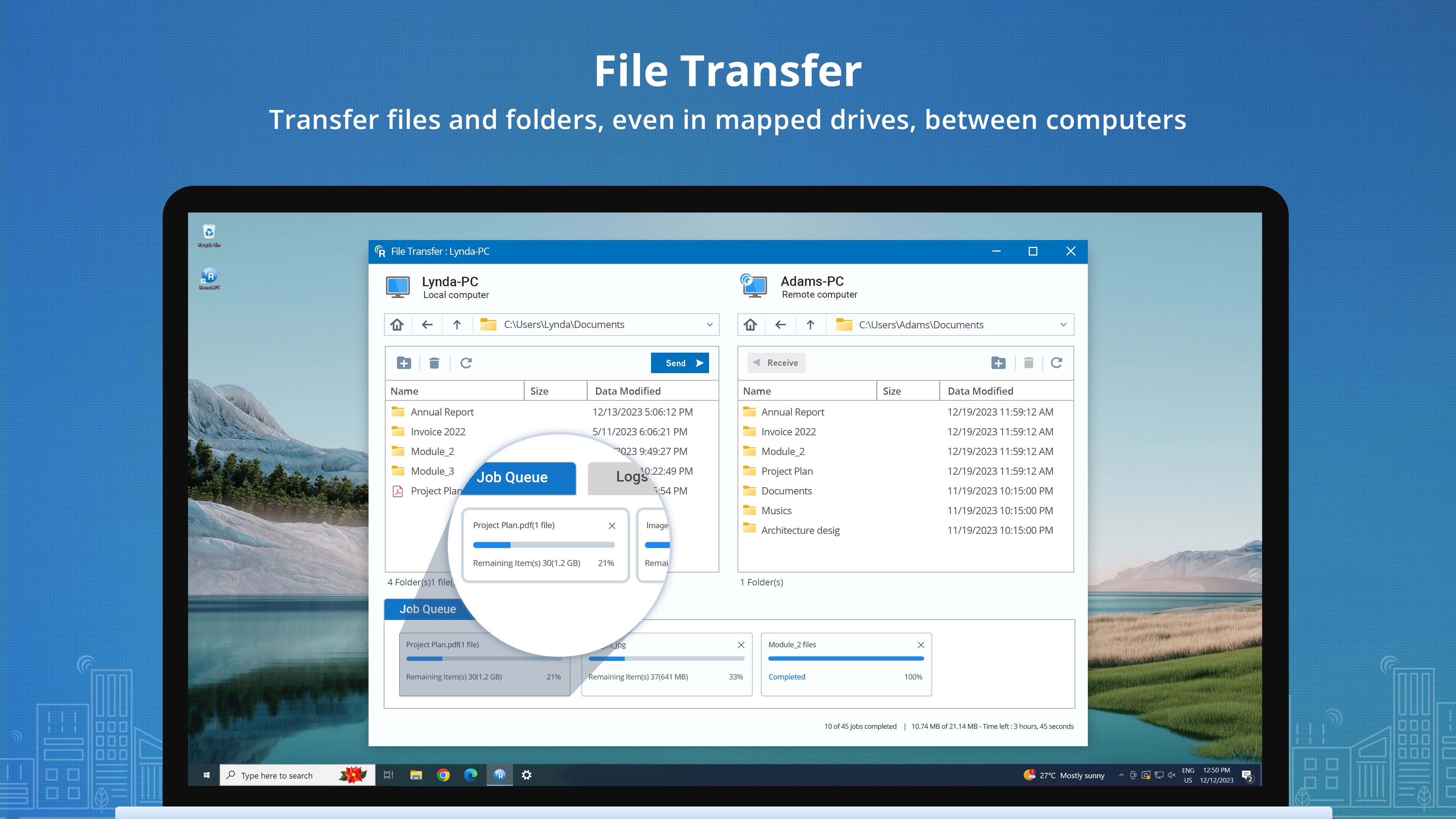
- Effortless File Management: Transferring documents is highly intuitive thanks to built-in file transfer and drag-and-drop file support.
- Collaboration Tools: Integrated video chat and remote session recording options facilitate seamless collaboration and training.
- Remote Printing: Send print jobs from your remote computer directly to a local printer next to you.
Who Is RemotePC Remote Desktop Access For?
This solution is highly versatile, making it an excellent fit for several scenarios:
- Remote Professionals: Access your office computer from home with zero lag, ensuring you can run resource-intensive applications effortlessly.
- IT Administrators: Easily configure multiple unattended computers for secure, ongoing maintenance and troubleshooting.
- Small Business Owners: Provide your team with secure access to centralized company resources without complex VPN setups.
Understanding the Trial and Plans
The application is free to download and install, allowing you to test all the features included in your chosen plan during the trial period. It is important to note that once this trial period concludes, remote access functionality will be paused. To continue utilizing the platform, you will need to reactivate your account or upgrade to a paid subscription plan.
Get Started Today
If you are looking for a high-performance, secure, and feature-rich remote desktop solution, RemotePC is a compelling choice. To explore this software further and begin your setup, head over to the official Microsoft Store to download the application for your Windows device.
Rate the App
User Reviews
Other Apps in This Category
Popular Apps










Editor's Choice