

Latest Version
Microsoft Corporation
IT Tools
Linux
Free
com.visualstudio.code
Report a Problem
More About Visual Studio Code
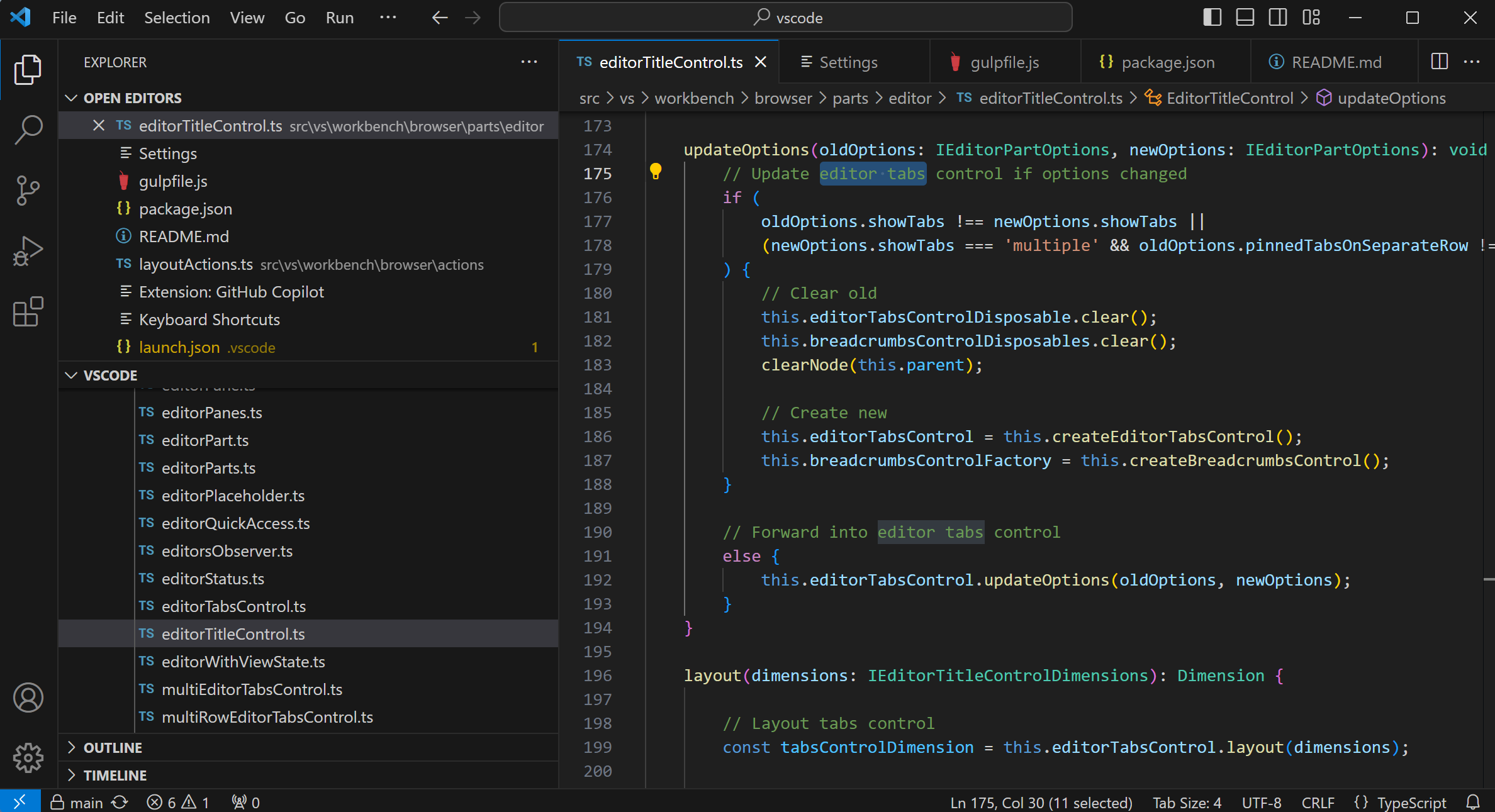
Stepping into a modern development workspace feels seamless when you are powered by the Visual Studio Code code editor. For Linux developers, having a responsive, highly customizable environment is essential for maintaining flow state during intense programming sessions. This Flatpak-packaged version of Microsoft's flagship editor brings that refined, out-of-the-box usability directly to your Linux desktop, bridging the gap between raw text editing and a full integrated development environment.
The Linux Development Experience
Working inside the Visual Studio Code code editor on Linux offers a highly polished interface that adapts to your workflow. Whether you are managing complex workspaces, writing scripts, or refactoring codebase structures, the editor responds instantly. However, because this specific package is a Flatpak repackaging of the proprietary Microsoft build, it is important to note that this distribution is community-supported rather than officially maintained by Microsoft Corporation. This sandbox environment keeps your system clean while delivering the exact features developers rely on daily.
Key Features of the Flatpak Build
- Core Edit-Build-Debug Cycle: Combines the lightweight agility of a text editor with deep debugging tools, giving you full control over your execution flow.
- Proprietary Microsoft Build: Access the official proprietary features of Visual Studio Code, neatly bundled for Flatpak-compatible distributions.
- Isolated Environment: Run your favorite IT tools safely within a sandbox, protecting your underlying host system from configuration drift.
Important Configuration Notes
Because this packaging runs inside an isolated container, certain integrated features require a bit of manual attention. If you plan to heavily utilize the integrated terminal or system-level compilers, you must consult the linked documentation for this Flatpak version. Properly configuring these permissions ensures the Visual Studio Code code editor can seamlessly communicate with your system libraries and external runtimes.
Who Is This Tool For?
If you are looking for an elegant, extension-rich environment categorized under modern IT tools, this editor is built for you. It serves developers who need a reliable, fast, and highly extensible platform without the heavy overhead of traditional IDEs. It is especially suited for those who prefer Flatpak deployment for software management on Linux.
Get Started with Visual Studio Code
Ready to elevate your programming setup? While we do not host the installation files directly, you can explore the official build and learn more about setting up your environment by visiting the official Flathub store page today.
Rate the App
User Reviews
Other Apps in This Category


Popular Apps










Editor's Choice