Latest Version
Splashtop Inc.
IT Tools
Windows
Free
9p3jkqn48dnf
Report a Problem
More About Splashtop Personal - Remote Desktop
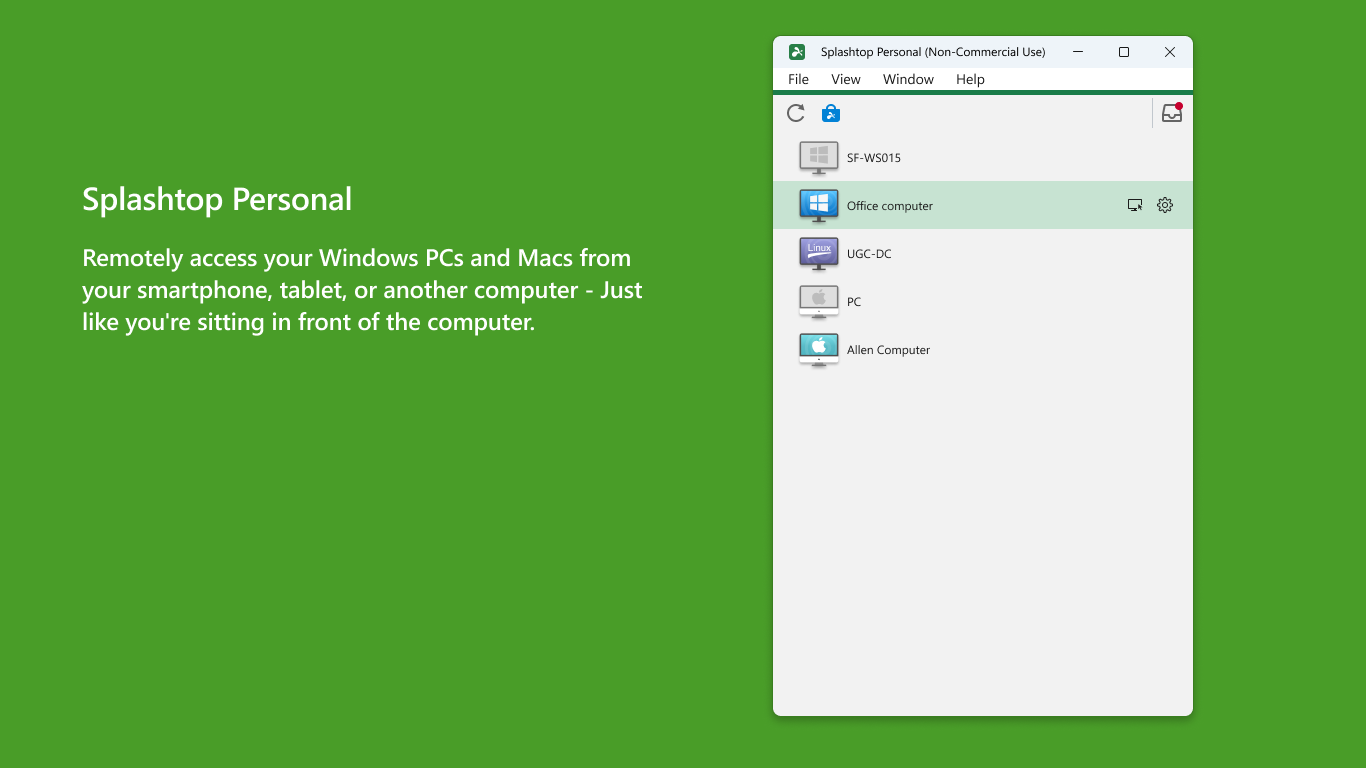
Picture this: you are away from your home office, sitting in a cafe with only a lightweight tablet or laptop, when you suddenly realize a crucial file or a rendering project is trapped on your powerful home computer. Instead of rushing back, you open an app, and within seconds, your entire desktop environment is streaming flawlessly in front of you. This is the exact scenario where Splashtop Personal - Remote Desktop Software shines, transforming how we interact with our digital workspaces from afar.
What is Splashtop Personal - Remote Desktop Software?
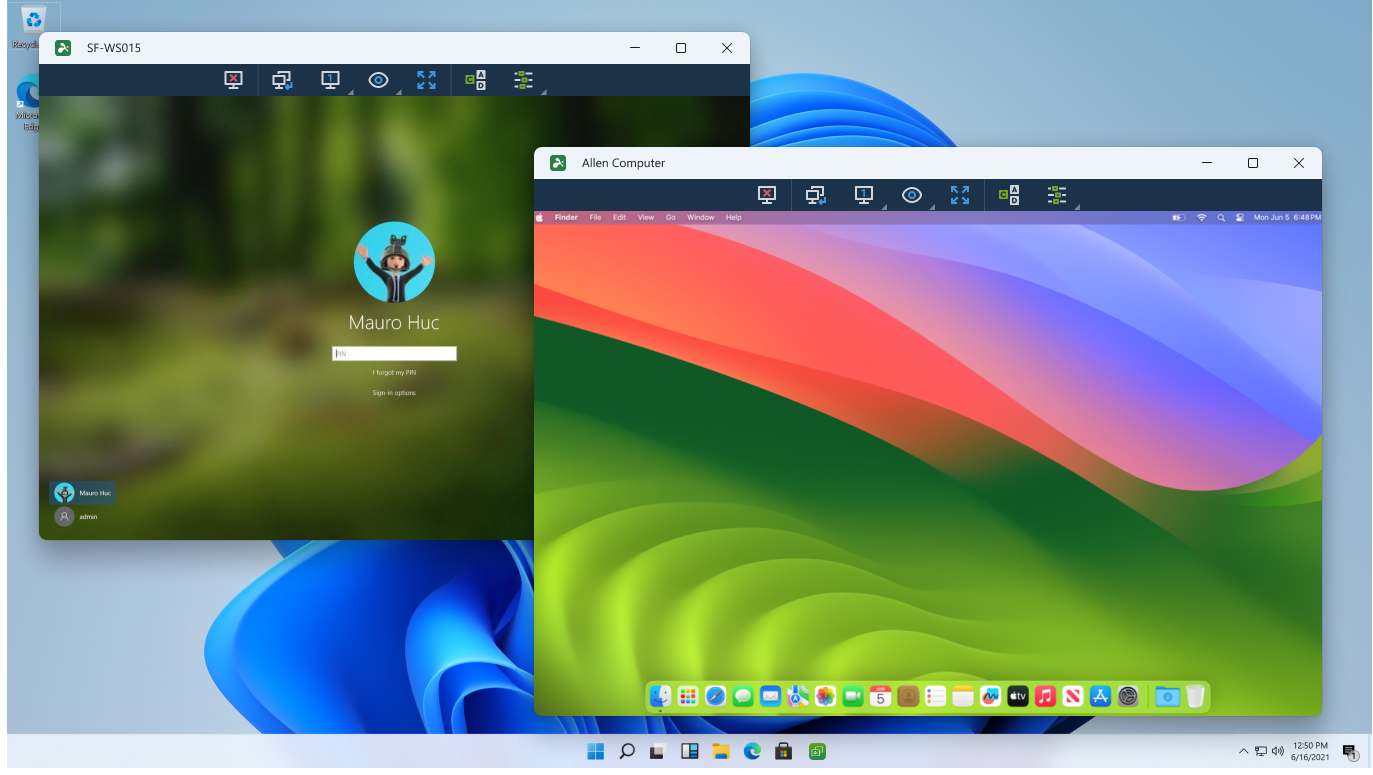
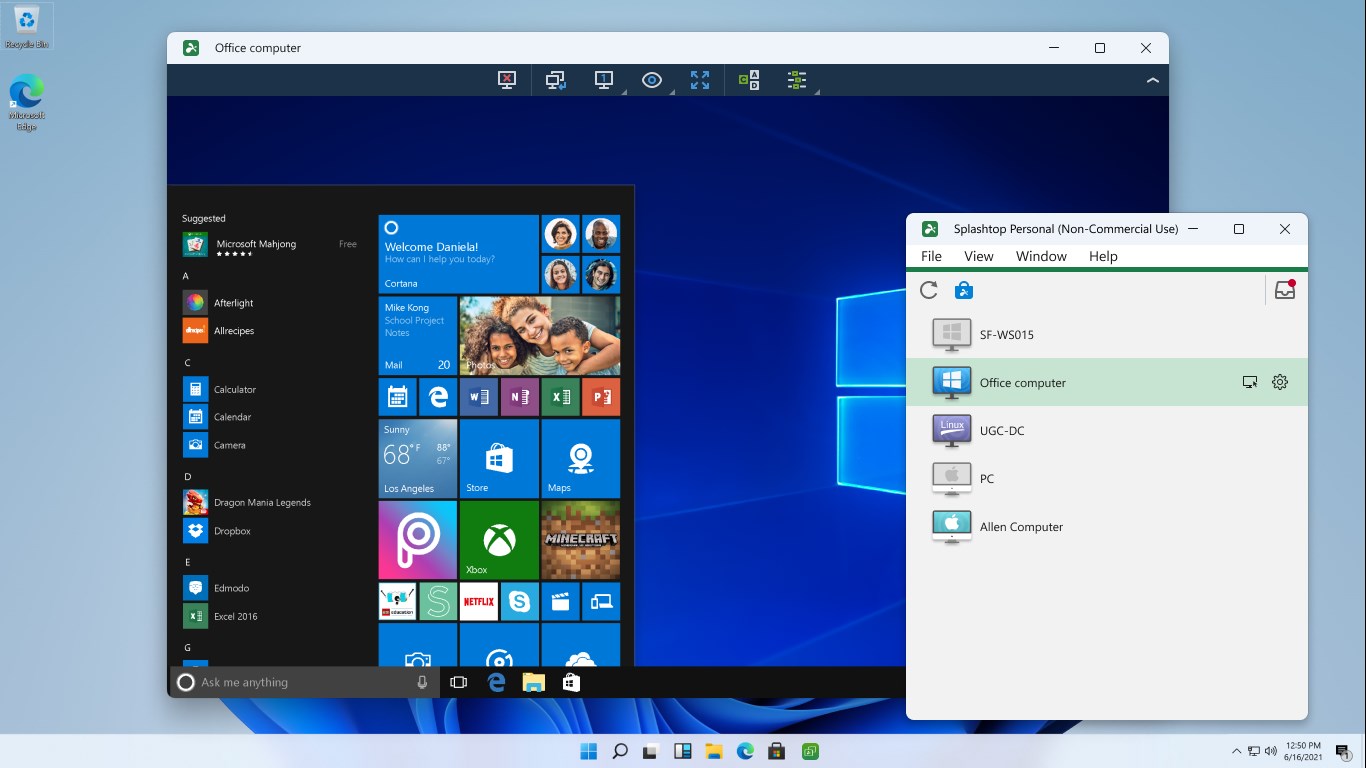
Developed by Splashtop Inc., this application is a high-performance connectivity solution tailored for non-commercial use. It bridges the gap between your portable devices and your primary Windows PC or Mac. Categorized under IT tools, it is specifically designed to deliver low-latency, high-resolution streaming that makes remote control feel as though you are sitting directly in front of your host machine.
Standout Features of Splashtop Personal
- HD Streaming and Low Latency: Unlike standard remote viewers, this software supports up to 4K quality video rendering at 30 frames per second, making it robust enough for interactive 3D gaming and video playback.
- Multi-Platform Support: You can initiate a connection from various devices—including Windows, Mac, iOS, and Android—to control your target computer.
- Robust Security: The software is engineered with bank-grade security protocols to protect your data transmissions.
- Blank Screen Option: Protect your privacy by hiding the display on the host computer while you are operating it remotely.
How the Setup Works
Getting started with Splashtop Personal - Remote Desktop Software involves a simple, step-by-step process:
- Install the personal viewer application on the device you wish to connect from.
- Create your secure user account.
- Install the official Splashtop Streamer companion software on the target computer you need to access.
- Log in on both ends to establish your secure remote session.
Note that the base personal version works seamlessly when your devices share the same local network. For users requiring off-network internet access to up to five machines, an optional "Anywhere Access Pack" subscription is available within the application.
Is It Right for You?
If you need a reliable, high-fidelity tool to access your personal computer's files, applications, or games from another room, this solution is exceptionally capable. However, because this edition is strictly for non-commercial use, professionals requiring advanced business features like remote printing, file transfer, or chat should explore the developer's dedicated business tiers.
To experience this high-performance remote access firsthand, visit the official Microsoft Store to view and download the application for your Windows device.
Rate the App
User Reviews

Popular Apps








Editor's Choice